What needs to be detected?
Tell us about the object or material, its movement and the event you want the machine to recognise.
At Dolphin Device, we develop and manufacture industrial sensors around the way machines work. In-house R&D connects the sensing principle, the product and your application.
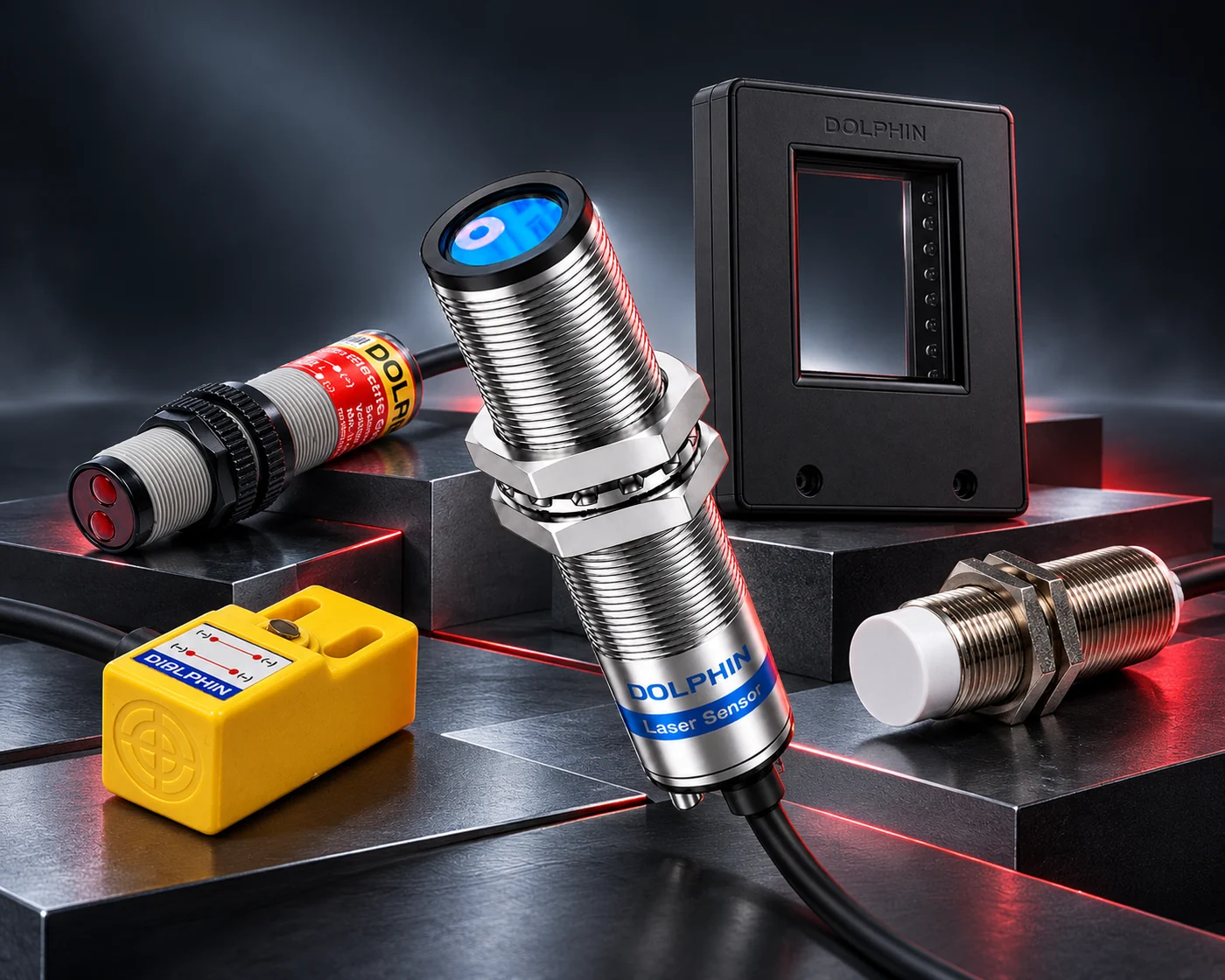
Different technologies. One Dolphin.
A passing part. A changing level. A position that needs checking. Each is a different sensing problem. Understanding that problem comes before choosing a product.
We work with machine builders, automation teams and maintenance specialists to turn a requirement into a clearer sensor specification.
Explore the principles behind our sensor families. Each solves a different detection problem; the right choice depends on the target, installation and signal you need.
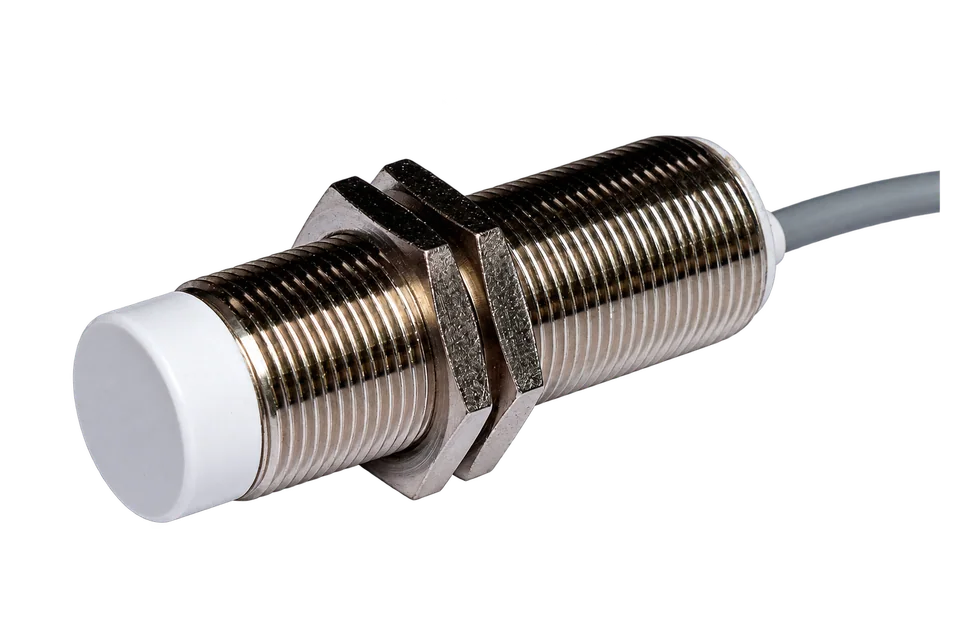 PRODUCT STUDY 01 / 08
An electromagnetic field responds to a nearby metal target.
Principles are an introduction. Use each product’s documented specifications to confirm suitability for your installation.
Research and development brings the details together: what the sensor detects, how it fits and how its signal reaches the machine. Our approach starts with the application and works through those connections.
Define the material, movement and working distance. Consider the surface, background and conditions around the sensing point.
Work through the sensing method, body dimensions, supply, electrical output and connection required by the installation.
Compare the documented product specification with the job. Bring an unusual requirement to our team for a development discussion.
You do not need to arrive with a part number. Start with what the machine needs to do, and work through the practical details with Dolphin.
Find your sensorTell us about the object or material, its movement and the event you want the machine to recognise.
Share the available space, sensing distance, body size and conditions around the sensor.
Check the supply, controller input, switching logic and connection. Confirm the exact model specification before installation.
In-house R&D keeps product development connected to the sensing requirement.
Compare documented sensing ranges, housings, outputs and connection options in one place.
Speak with our team when the installation needs a closer look or an existing model does not fit the brief.
A new machine, a replacement sensor or a development requirement. Start the conversation with Dolphin.